
Calibrate and the quick start
The fastest way to teach the engine your taste, and when to use the full quick start instead.
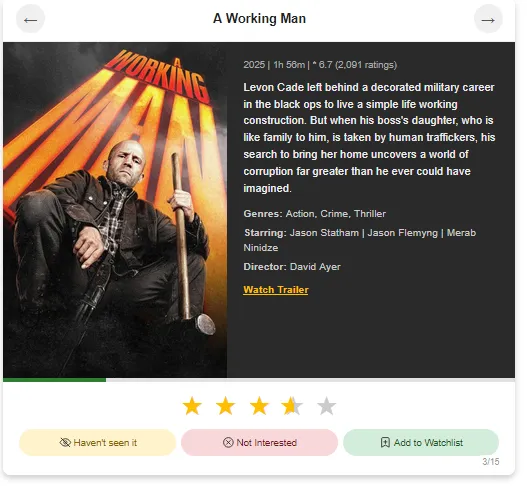
Calibrate shows you a page of films (or shows) at a time. For each one:
- Rate it with the ★★★★★ if you've seen it.
- Add it to your watchlist if you haven't, but want to.
- Skip it if you haven't seen it.
Every choice tells the engine something about the genres, eras, directors and actors you respond to.
Calibrate or the quick start?
The quick start is the full introductory calibration you do when you join. Redo it from Preferences (Redo the movie quick start) when:
- you've only just joined and rushed it, or
- your matches feel off right across the board.
A Calibrate round is a top-up. Use it:
- every so often, to keep sharpening your matches,
- when your show score is behind your film score,
- after changing your genre order, so the engine has fresh evidence.

Mac says
Rate what you genuinely remember. If you can't recall whether you liked it, skip it. A guess teaches me the wrong thing.