
Eras: three different controls
Calibrate's era, For You's era buttons and the Era leaning slider each do something different.
There are three places to tell us about eras, and they do different jobs.
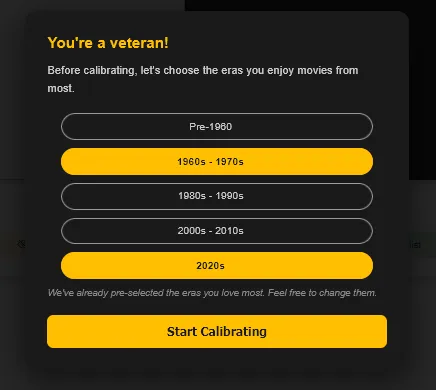
1. The era you mostly watch, in Calibrate
Before rating, Calibrate asks which era you mostly watch. That decides which films it shows you to rate, so you're asked about films you're likely to have seen.
2. The era buttons on For You
All Eras Last 5 Years Since 2000 Classics New Releases Coming Soon
These are filters on For You. They show only films from those years, right now, and change nothing about your profile.
3. Era leaning, in the Tuning Engine
The Era leaning slider in the Tuning Engine nudges older or newer films up your whole list. It never removes anything.

Mac says
Want only classics tonight? Use the For You button. Prefer classics generally? Use the slider.