
Your first ten minutes
Three steps from a new account to your first matches: genres, streaming services, then a quick calibration.
A new account starts on the Preferences page rather than a wall of movies. That's deliberate: a few quick choices first means the very first page of matches is already about you.

Get stuck at any point? Click on me and I'll check your account status and recommend your next step. Where to find me? Click in the top right.
1. Put your genres in order
On Preferences, drag your movie genres into order, favourites at the top, then press Save Movie Genre Order. This is the engine's starting point, so it matters more than anything else you'll do today. Do the same for TV genres if you watch shows. See Ordering your genres.
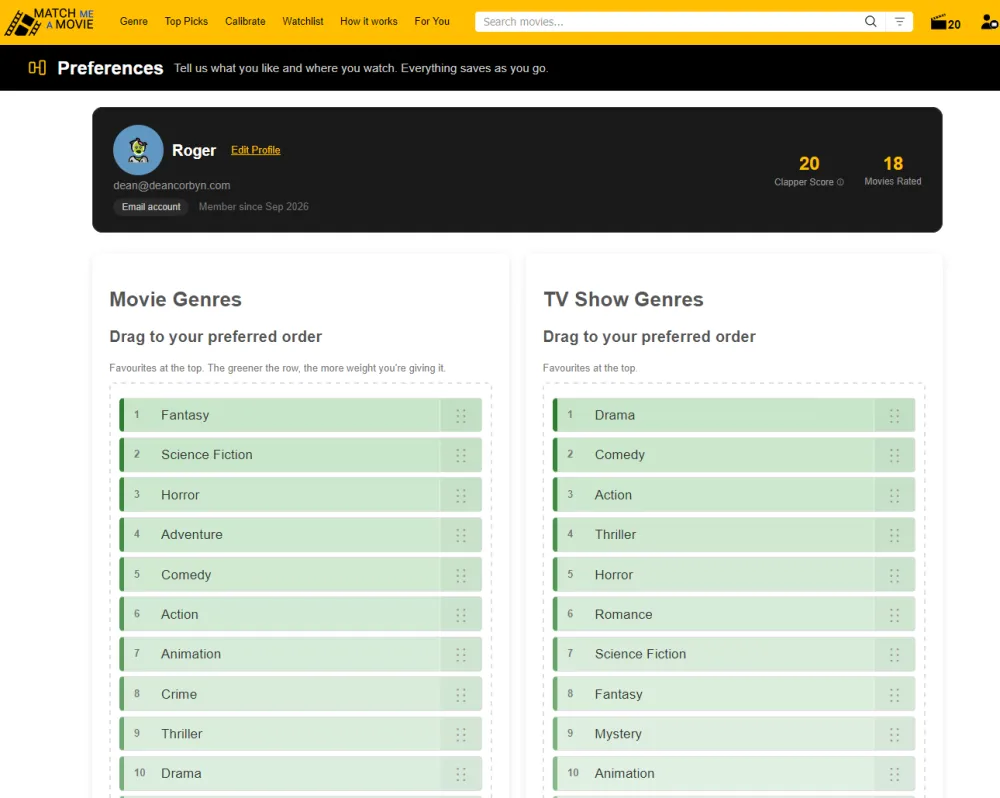
2. Choose your streaming services
Further down the same page, tap the services you have. This powers the ✓Free movies only filter and the Where to Watch links. See Streaming services.
3. Calibrate
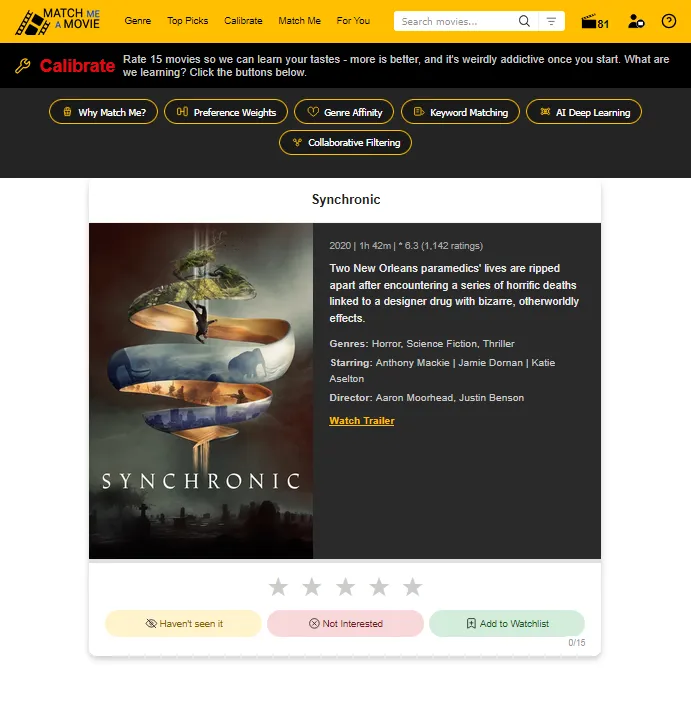
When both are done, press Next: Calibrate. Pick the era you mostly watch, then rate films you've already seen. Anything you haven't seen, skip. A couple of minutes here gives the engine real evidence instead of guesses. See Calibrate and the quick start.
Then open For You
Your matches are ready in For You. From here on, the best thing you can do is keep interacting with what you see. See The single most useful habit.